Author/Editor
I want to build a light-weight, low distraction, multiplatform editor with some special features for helping people keep track of characters and places, and allowing ‘reafactoring’ of text, e.g. by changing the name of a character or place, or by changing the sex of a character. I’ve got some ideas about auto-inserting names etc, and creating links, but for now, plan out the technical implementation, the language, framework and libraries we’ll use. Almost all of the coding will be done by you, so we should make choices that you are confident in.
[The text used in the screenshots here was also written by Claude]
Tree History
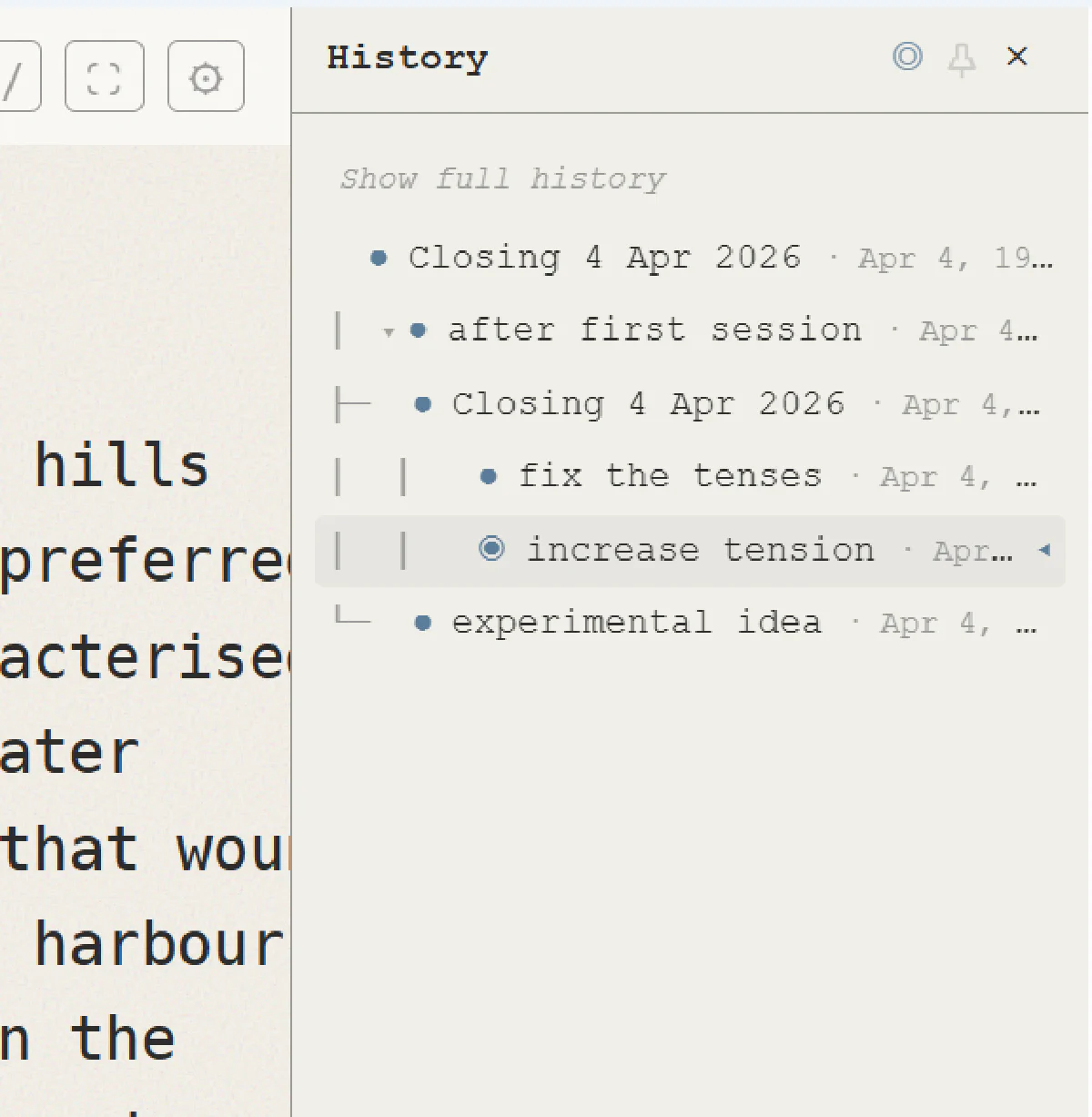
I actually don’t want the user to have to worry about saving. I’d like the full history of their work to always be recorded to disk, and then for them to be able to signpost particular points so they can get a list of signposted points that they can roll back to. This should be a tree structure. This is quite complex, so please spend some time planning it out…
I like having history as a collapsible sidebar. It will usually be hidden, but the user can toggle it. We will probably have other sidebars in future too. I’d like the UI of the history view to feel a little retro/textual, but clear and pleasant
Typewriter Text Entry
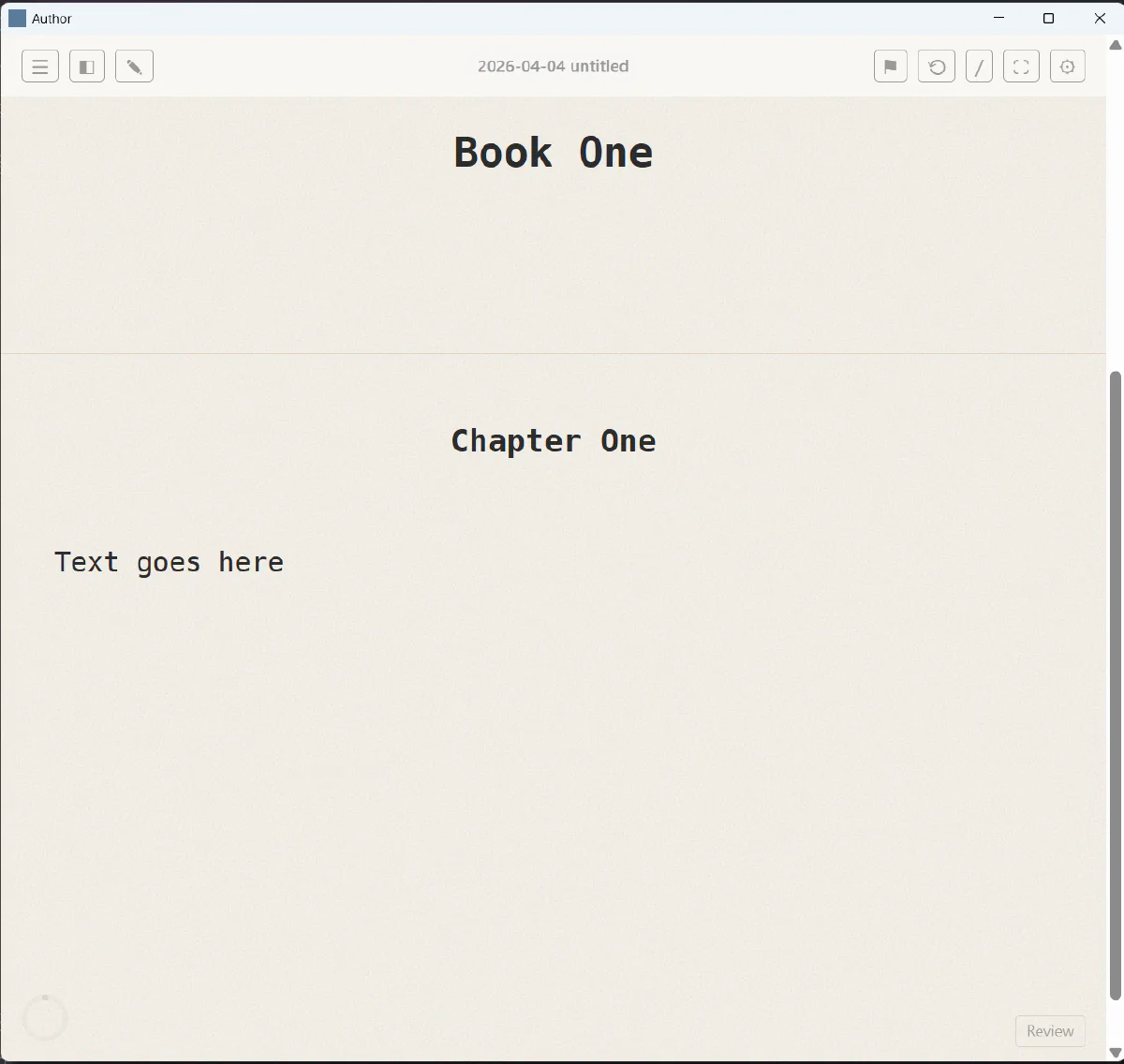
I want the text to have a typewriter scroll. Usually we want the line the user is on to be in the middle of the screen, when moving down or up, unless the document is near the top or the bottom, I want the document to move rather than the line
Spell check
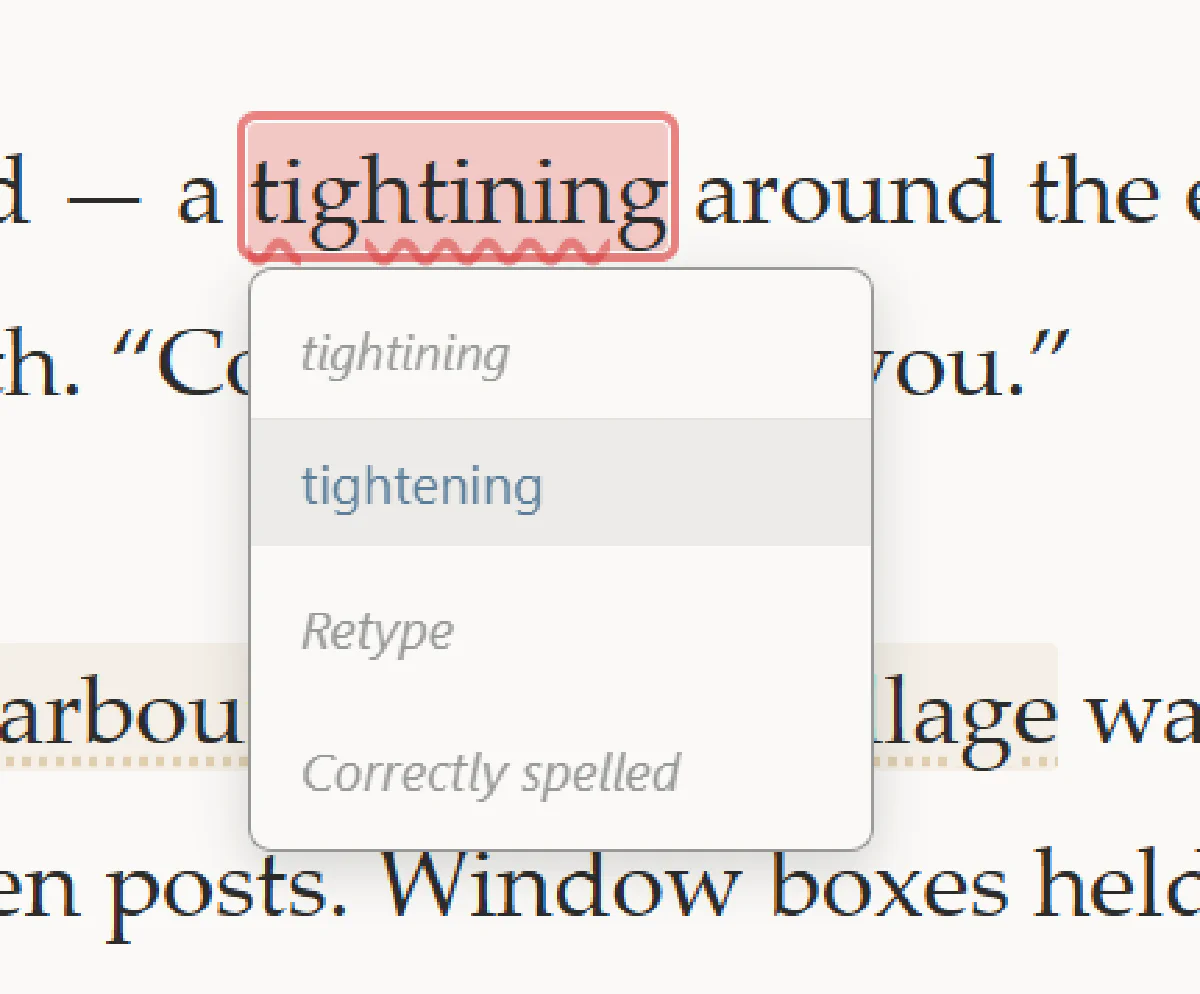
I want a spell checking mode. In spell checking mode, you see underlines on incorrectly spelled words, and you can click them to get a list of corrections. The spell checking mode can be toggled with a ‘correct’ text above the word count
Corrections menus should include ‘This word is correctly spelled’ as an option. When that’s chosen, that word should no longer show up in corrections
Structure
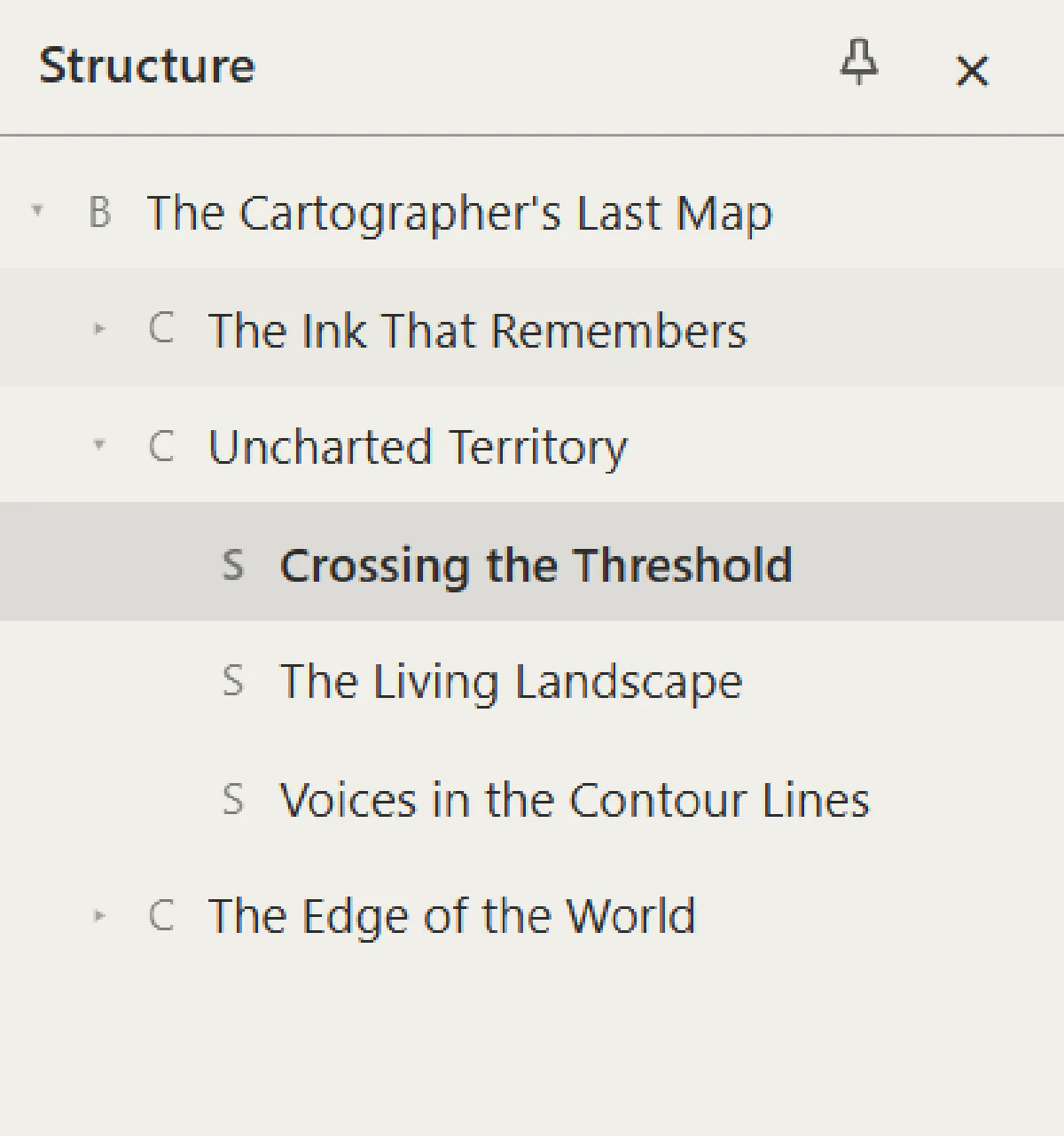
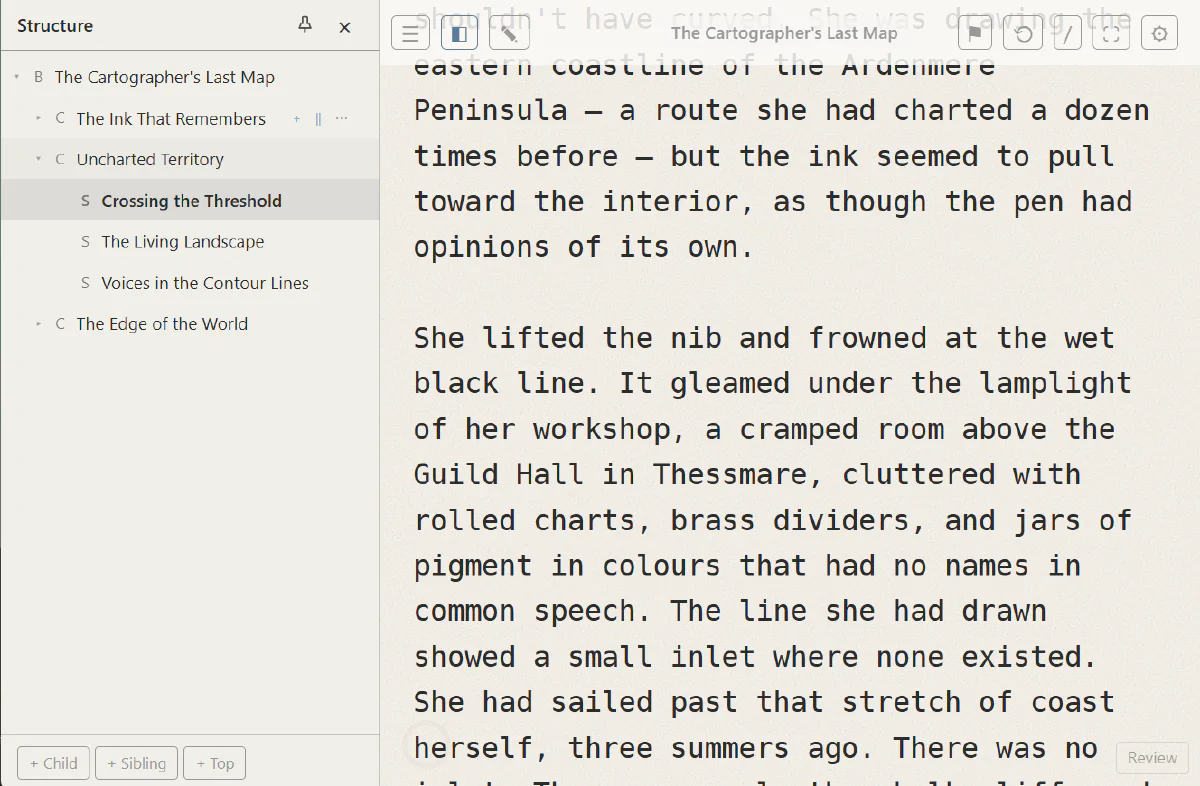
Now I want to restructure a little bit. Instead of working on a single text segment, I want a file to contain potentially many text segments. Each segment will have a text and a meta-text that optionally has information about the segment. For now, segments can be Books, Chapters or Scenes. Books are composed of chapters, chapters are composed of scenes. I want a pane that can come in on the left that shows the segments and lets them be reordered. A meta pane can come in from the bottom and show the metatextual information.
Font Configuration
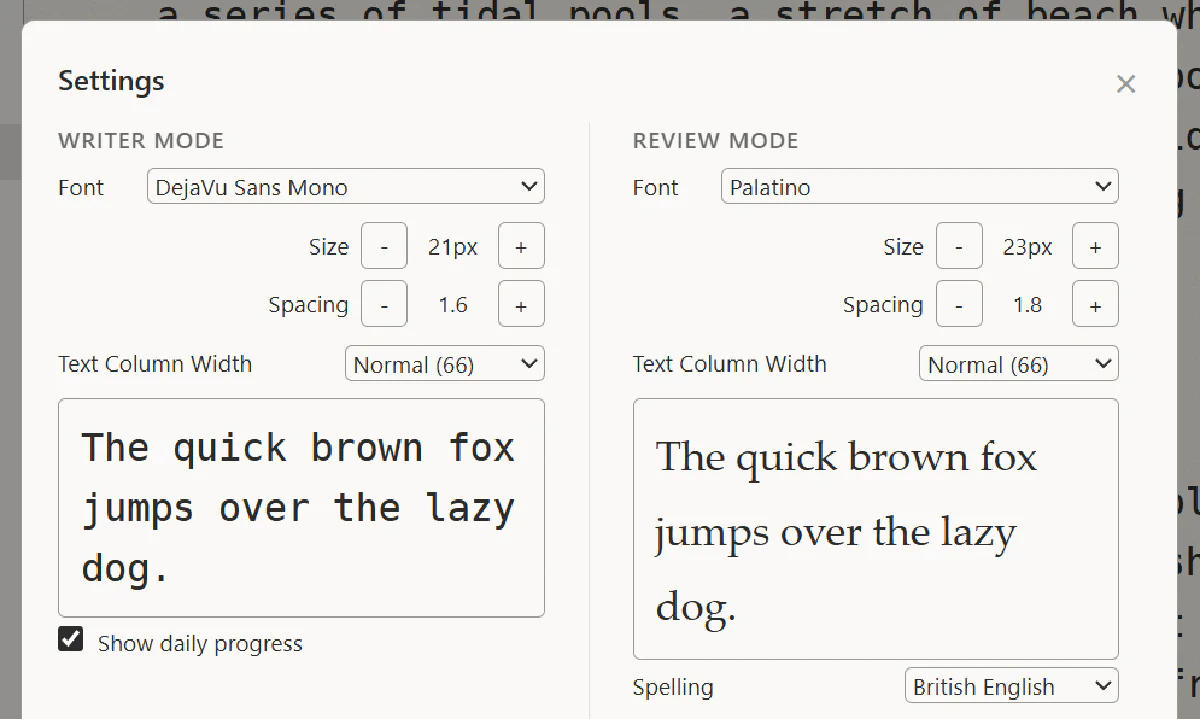
I’d like the ability to configure two different fonts -one for creative mode and one for review mode.
Diff View
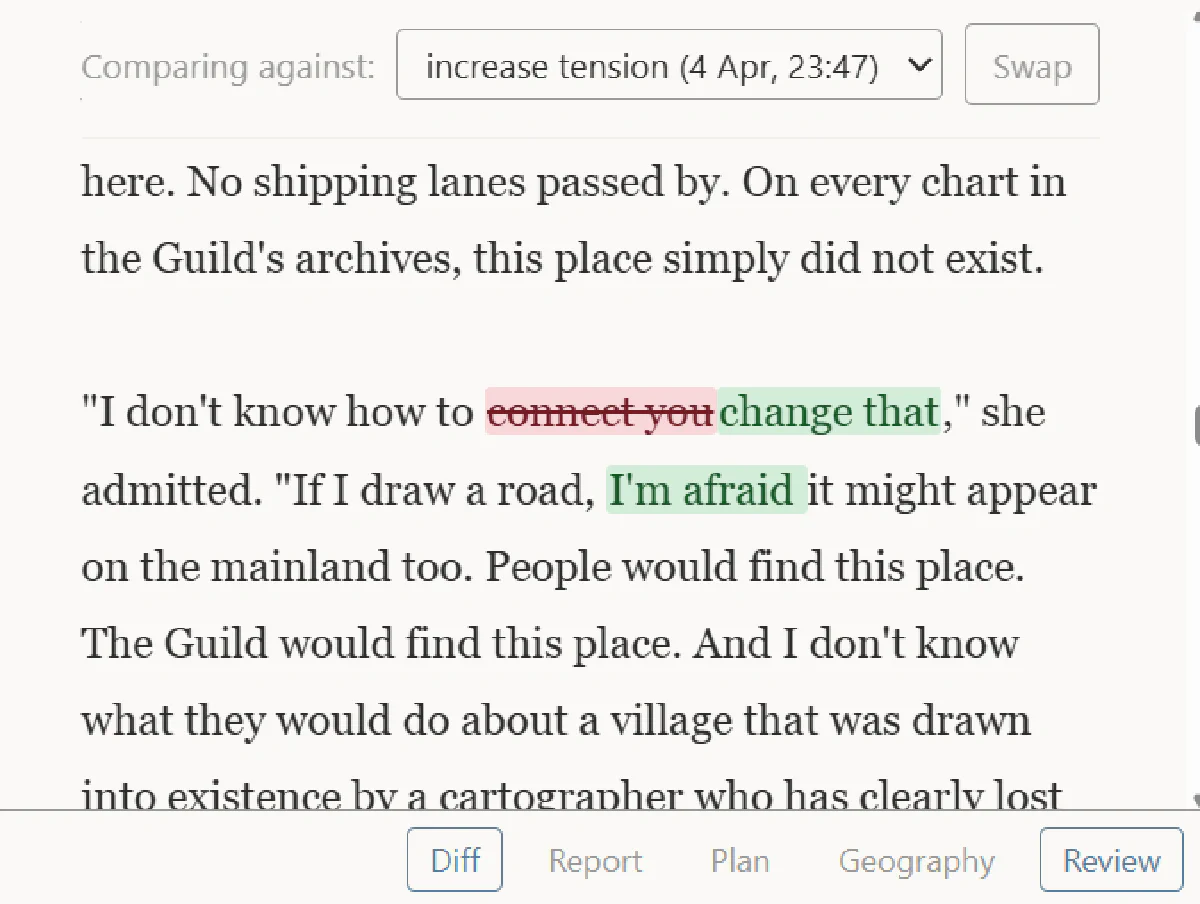
I’d like to add a diff view to the review screen. By default it shows a diff between what is in the editor and the last saved signpost, but it should be possible to change the signpost that the current view is being diffed against
Command Palette
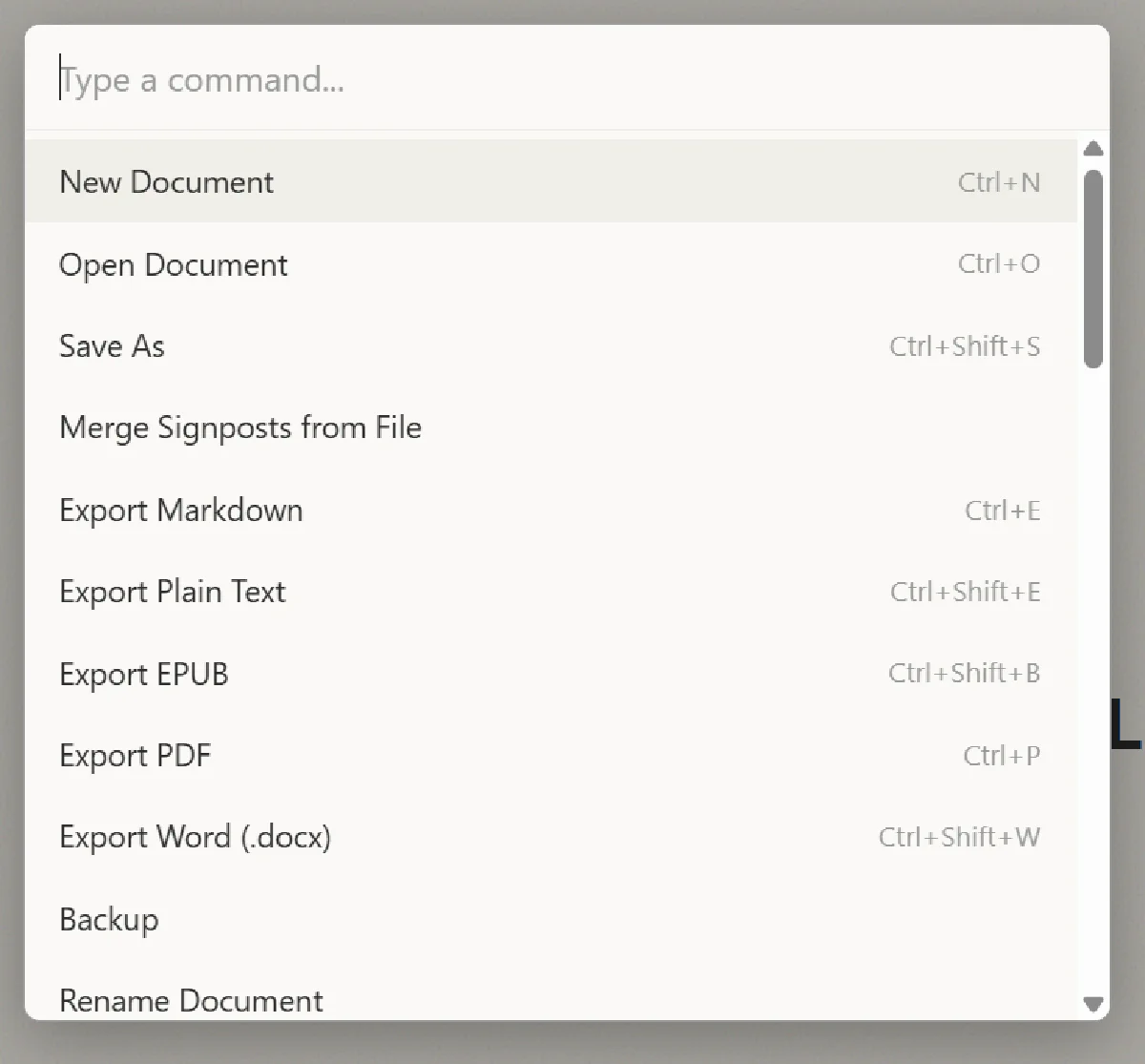
I want every action one might take to be accessible from a command interface. There should be a button and a shortcut to open the command interface, as you type, you should see the commands (and their keyboard shortcuts) that match what you’re typing. Every action in the system should be supported in this way
Images
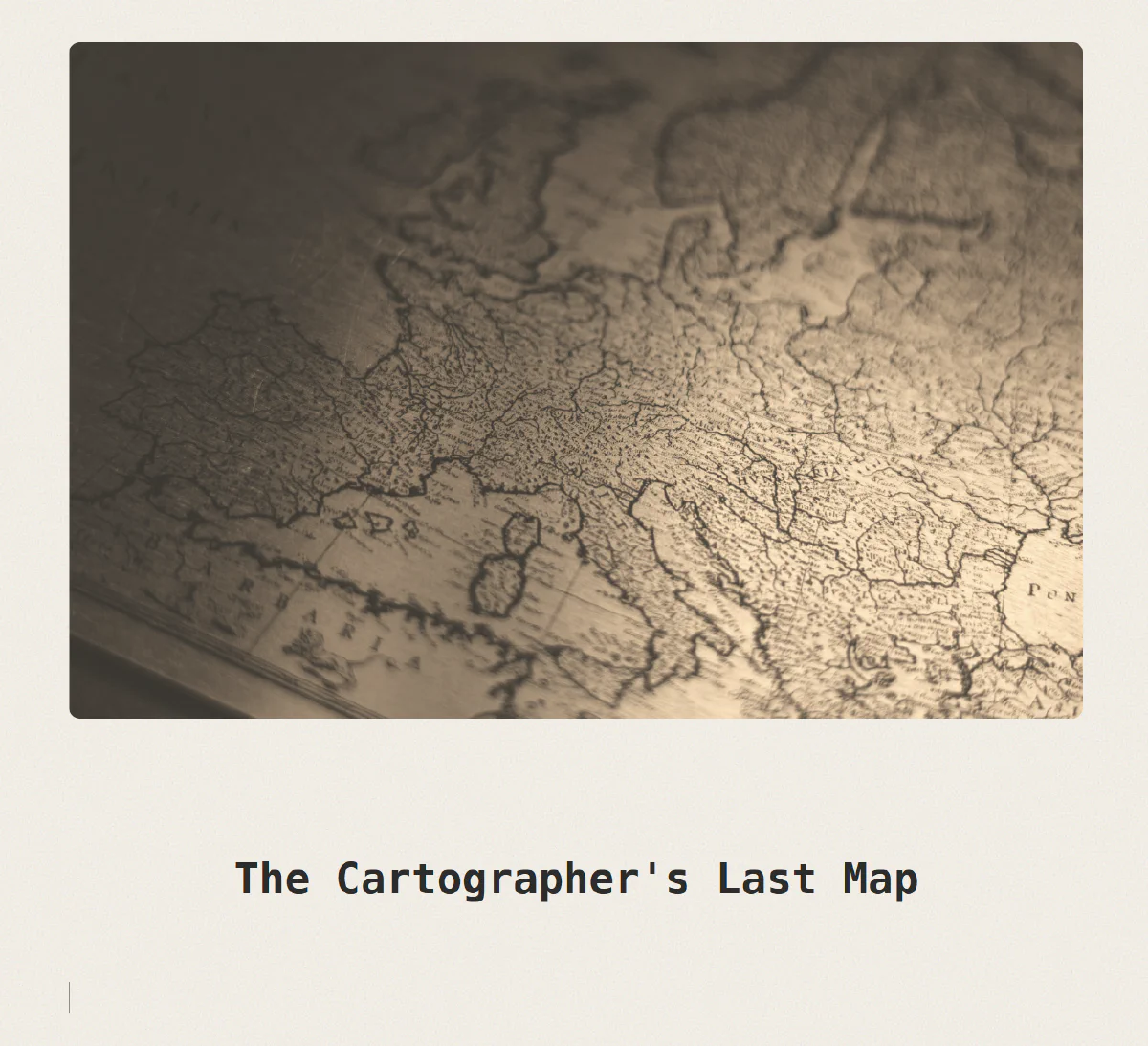
I want to be able to add images, by drag and drop into creative mode. In creative mode, the image should have a sepia, slightly old school filter on it. In review mode, the image can have different filters applied.
[Photo by Jakob Braun on Unsplash]
Goals
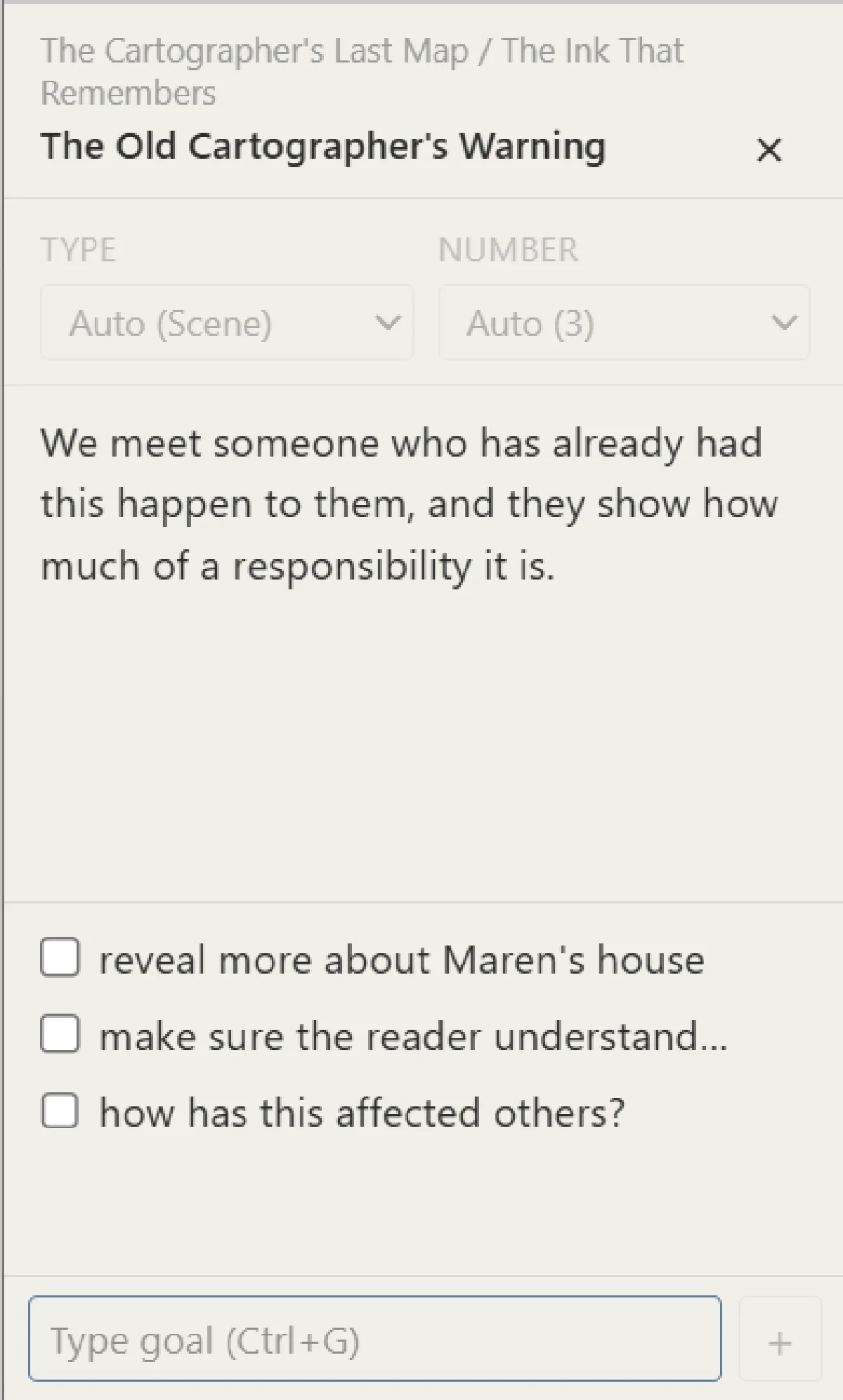
Right, I want to work on the notes section now. In terms of meta text, each segment should have a title, a description, and a set of goals for the section. The set of goals are a checklist where a goal can be added and goals can be ticked off. When the metatext pane is visible, the description can be on the left, and the checklist of goals can be on the right
[later we moved them to the left hand side]
Search
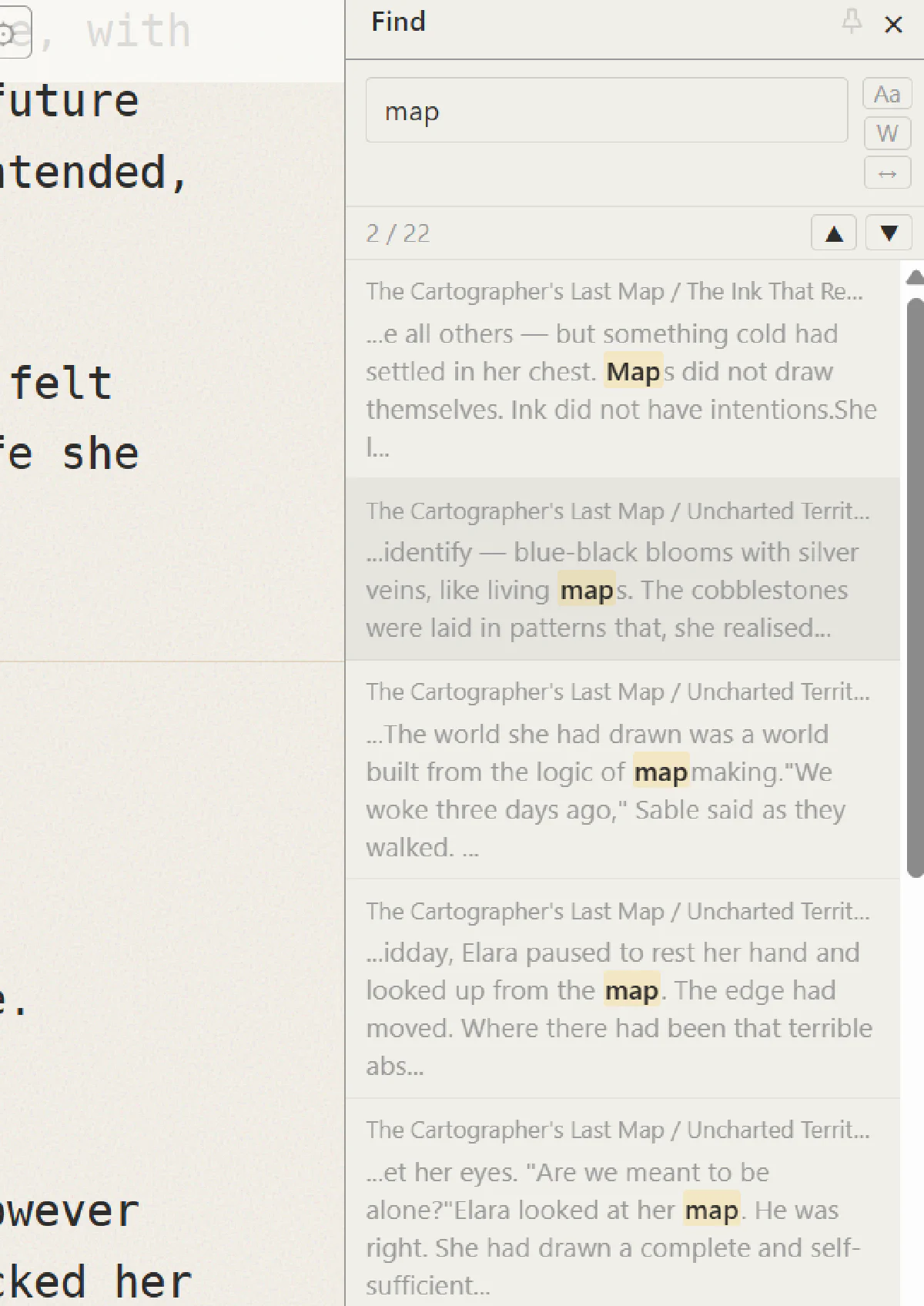
We need a powerful search mechanism. Hitting control-s [claude suggested I change this to control-f, which I agreed with] should bring up the search pane on the right hand side, with the search entry selected. As you type, the search results are shown below, with a small amount of context. Search results can be selected which will scroll the editor to the search result and highlight it in either creative or review mode, making the appropriate segment active as it does so. Control-S while in the pane will toggle back to the editor and close the search pane
Mac OS build
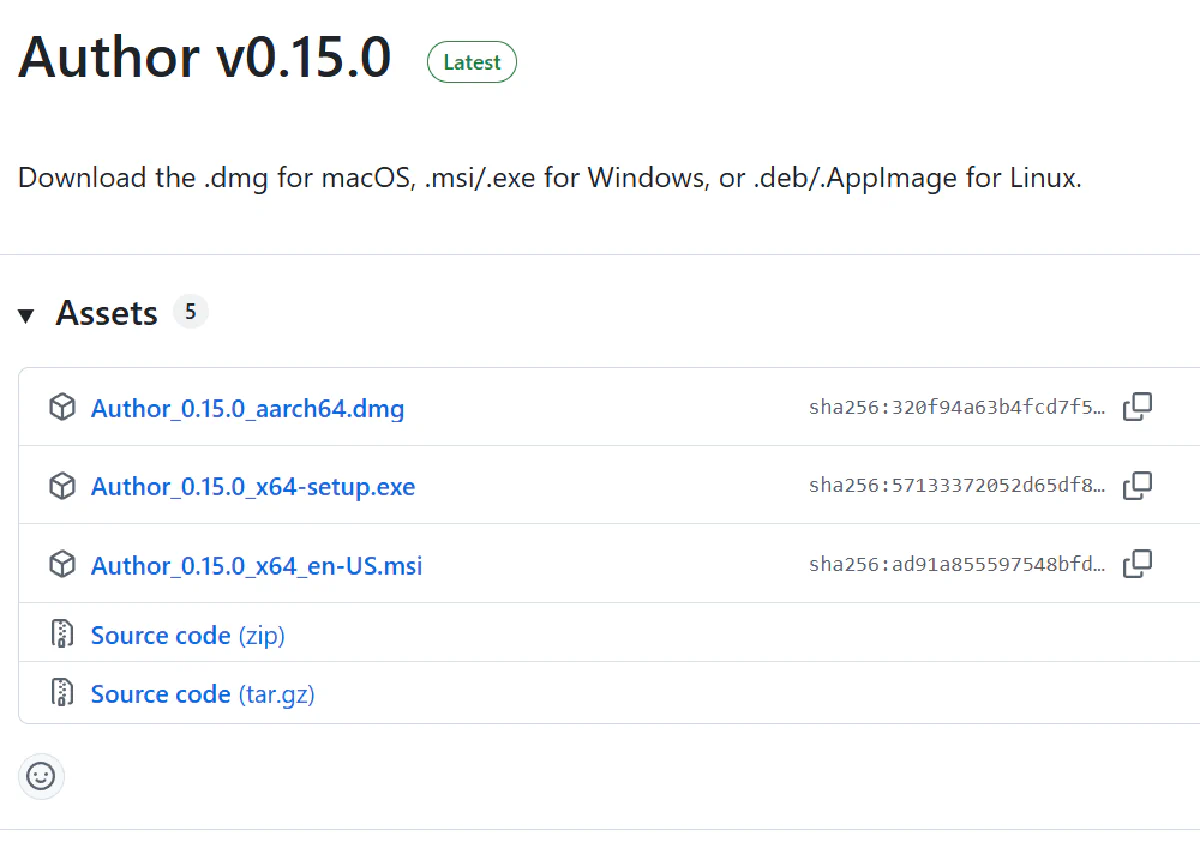
ok, I have a test user who is interested in using this on his mac. How do we prepare a package that he can use?
… can we set that up for free?
… let’s build it when we create a tag. Can you set this up for me, and also set a tag so it builds?
… go ahead
… I have another test user, using windows. can we add a build for a windows image
EBook
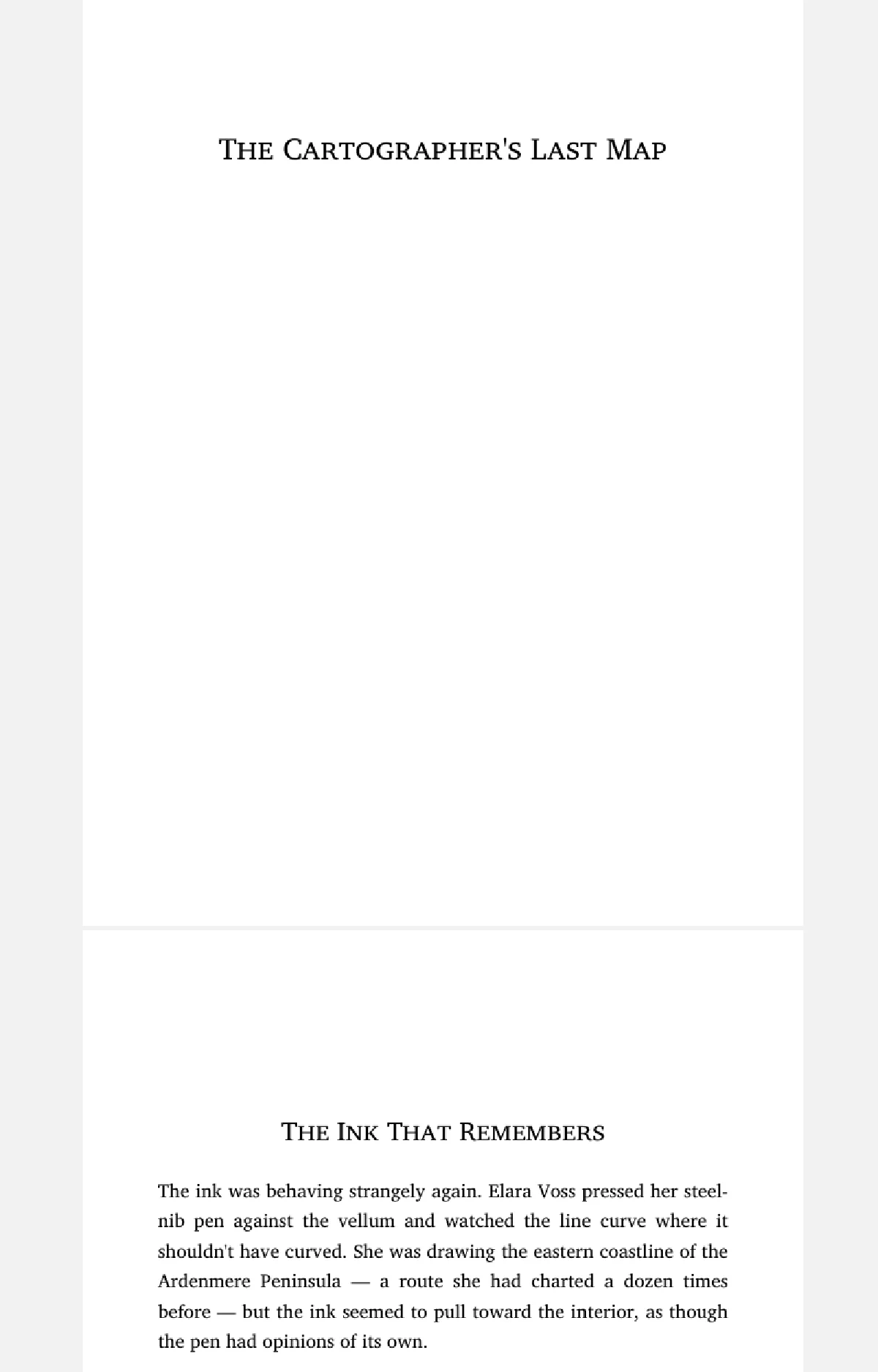
I really like the ebooks produced by standard ebooks. I’d like to be able to export one of these books in an ebook form and have it be a high quality ebook experience, somewhat like the standard ebooks epubs
[Claude did extensive research for this one, downloading style guides and examples from the standard ebooks website]
Pinned Panes
ok, I know that positioning things can be a bit tricky, so think carefully about this one. The test user says that he will often keep the structure pane open, and if he has a pane open for the long term on the left and nothing on the right then the text is not centred anymore. Our idea is to have the ability to ‘pin’ a pane, and if a pane is pinned, then the text recentres based on the space that is left. If you have a better option suggest it, otherwise plan and then implement pinning
….lots more to come!